
Edit & Export CodeYour Code, Your Rules
Gain full access to edit the clean HTML, CSS, and JavaScript WebbsAI generates—or export everything for maximum flexibility.
For developers who demand complete control and ownership.
const Hero = () => ( <section className="flex flex-col gap-4 bg-gradient-to-r from-sky-500 to-indigo-500 p-12 text-white"> <h1 className="text-4xl font-semibold">Launch instantly</h1> <p className="text-sm opacity-90">Generate entire marketing sites from a single prompt.</p> </section>)
Includes utility-first classes, assets, and Tailwind config.
Full Control at Your Fingertips
From quick tweaks to full project handoff, WebbsAI provides the tools you need.
Integrated Editor
Modify HTML, CSS, and JavaScript directly inside WebbsAI without leaving the visual workspace.
Clean, Structured Output
Ship standards-compliant markup that's easy for development teams to understand and extend.
Ready-to-export Projects
Download your entire site—templates, assets, and scripts—for self-hosting or version control.
Dive Into the Code
See the clean, structured code generated by AI. Make precise edits directly or export the entire project when you're ready to ship.
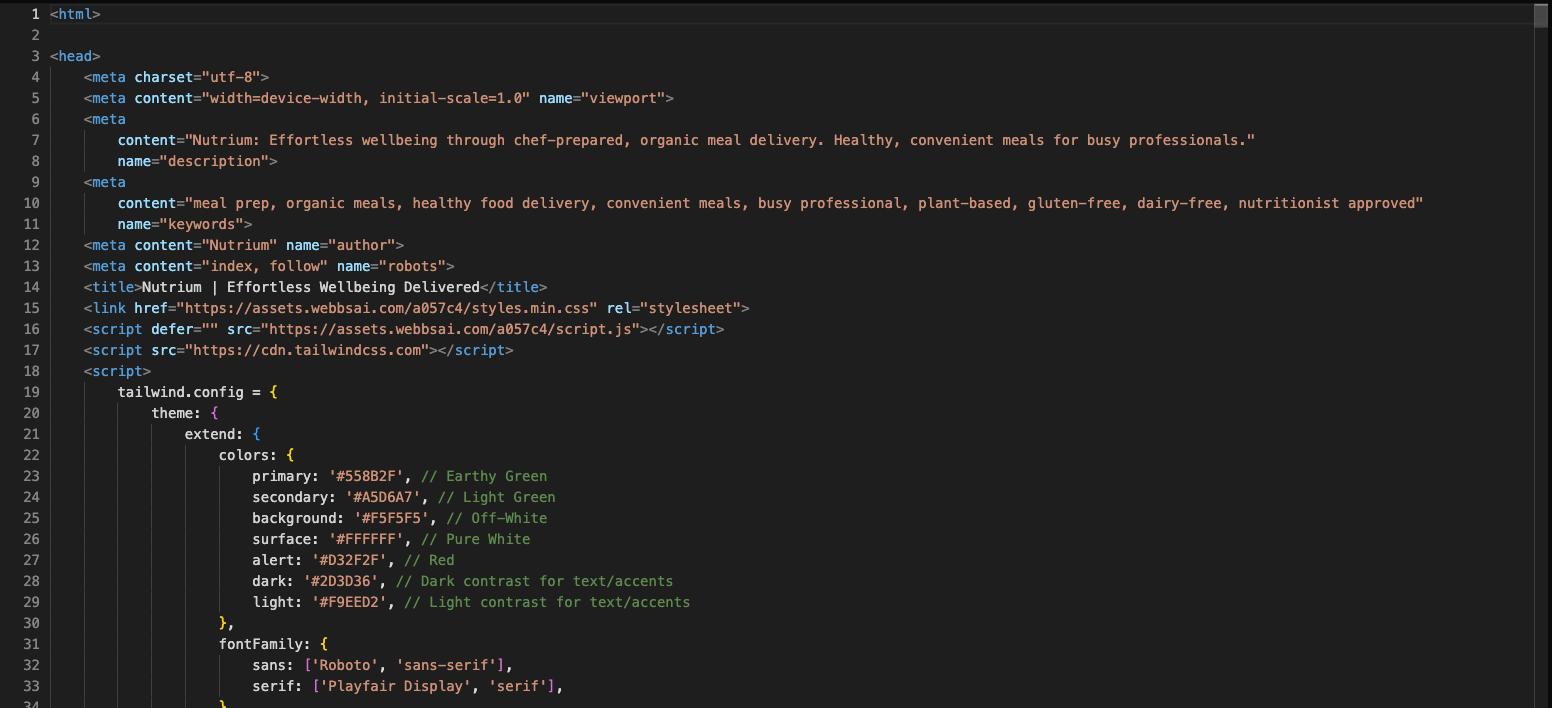
Integrated Code Editor
Directly access and modify the underlying HTML, CSS, and JavaScript for specific components or the entire page within the WebbsAI environment.
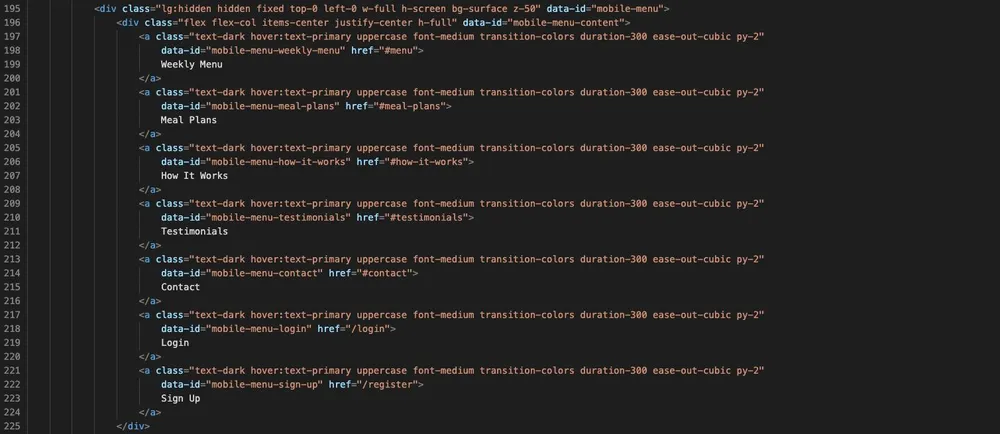
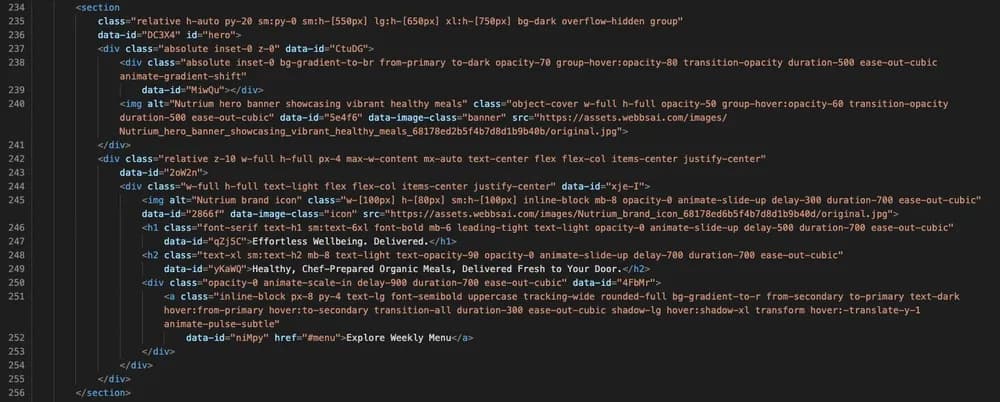
Clean & Readable Code
WebbsAI generates standards-compliant, well-structured code that is easy for developers to understand, modify, and build upon. No messy abstractions.
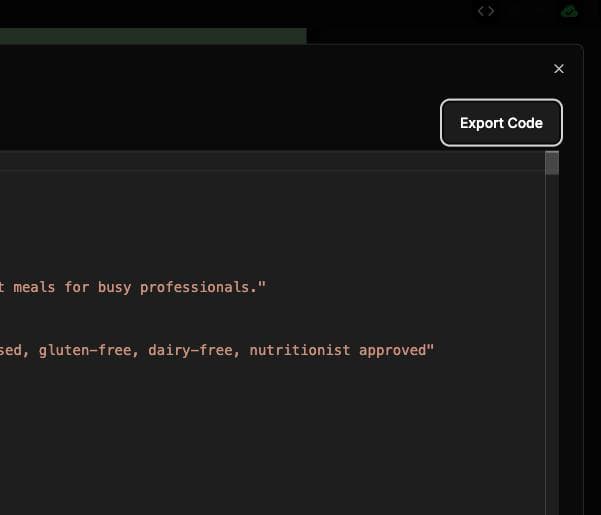
Full Code Export
Download a complete archive of your website's HTML, CSS, JavaScript, and assets. It's ready for self-hosting, version control, or integration into your broader development workflows.
Developer Questions Answered
Everything you need to know about editing and exporting your WebbsAI code.
What web technologies does WebbsAI use/export?
Is code editing/export available on all plans?
If I edit the code directly, can I still use the AI editor?
Can I import existing code into WebbsAI?
Need Full Control Over Your Website Code?
Explore our developer-focused plans and unlock advanced features like direct code editing and full project export.
Check Developer FeaturesTailored for builders who want every detail.